
How to Find Manuals and Original Software for Older Devices
Start with the complete model code, including letters, digits and regional suffixes. A product-family name may be too broad to select the correct manual or software.
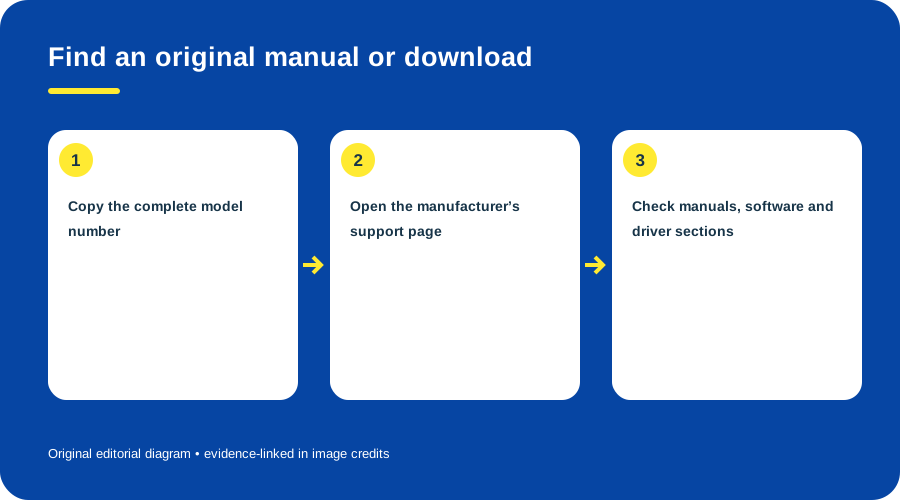
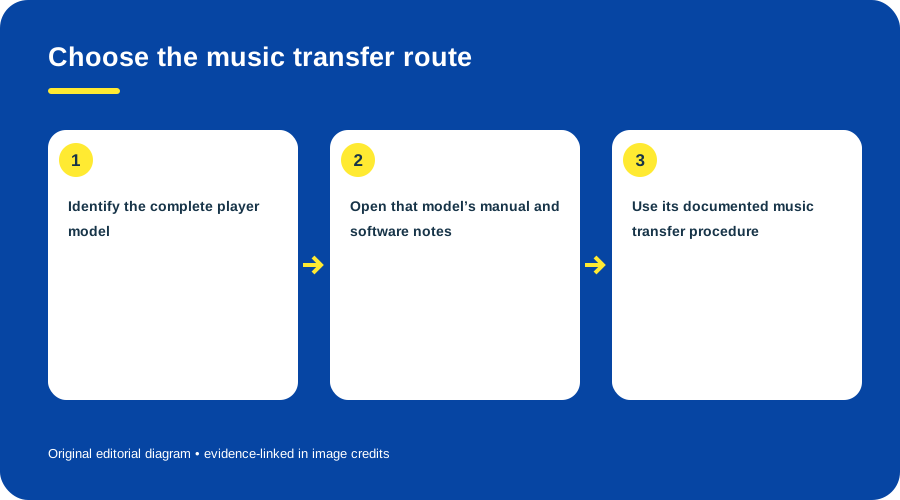
Find an original manual or download. Original diagram by Things To Do Your Thing; facts are traced to G10-S1, G10-S2, G10-S3.
Find and verify documentation
- Read the label and record its full model/region.
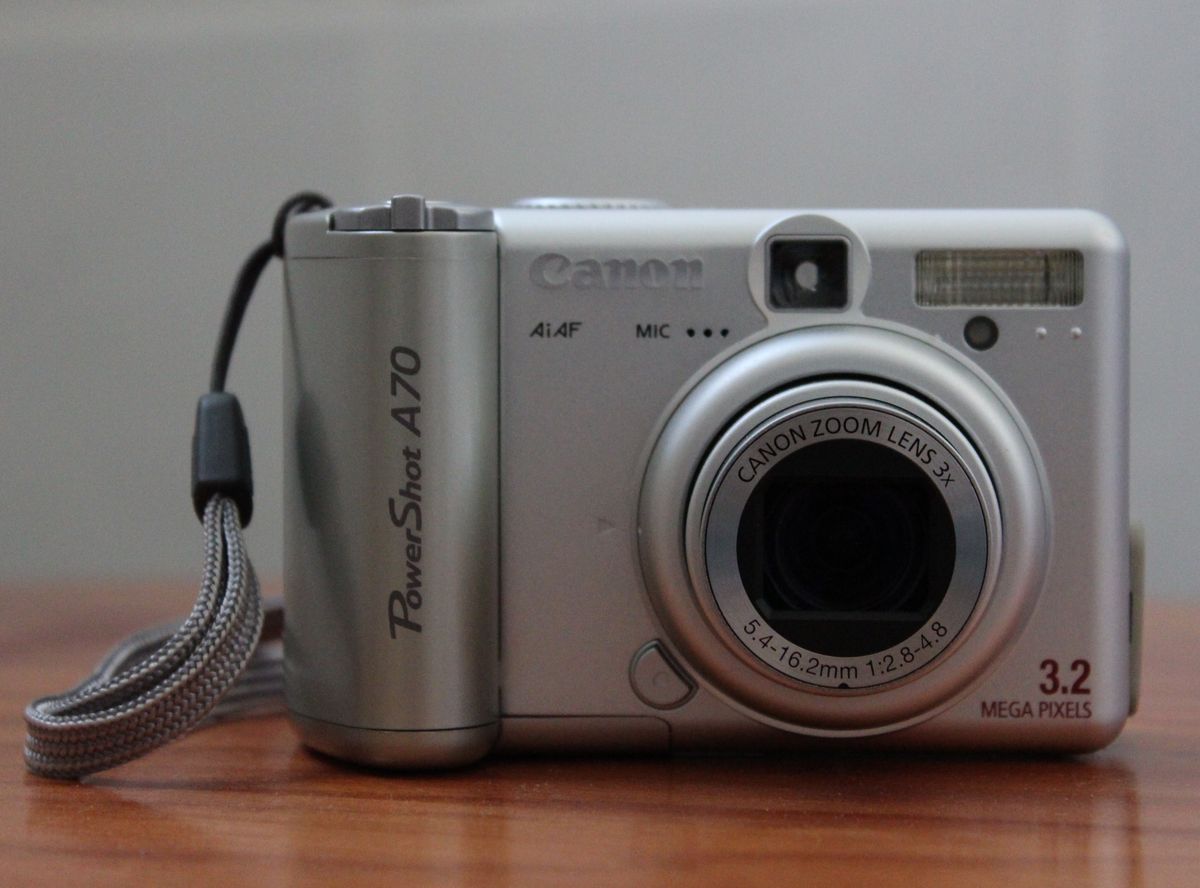
- Search the manufacturer support site by that code. Philips directs customers to choose the exact product for manuals and FAQs. Canon groups PowerShot A70 documents under that model and marks it retired. Sony lists MZ-N505 manuals, drivers and software with dates. (Philips support; Canon A70 support; Sony MZ-N505 support)
- Check the manual’s host requirements, connection order, firmware and formats.
- If using an archive, compare its title page, code, language and revision with the manufacturer listing.
- Prefer manufacturer downloads or clearly identified original installers. Avoid repackaged executables of unclear origin.
- Treat old operating-system requirements as historical, not evidence that the software works safely today.
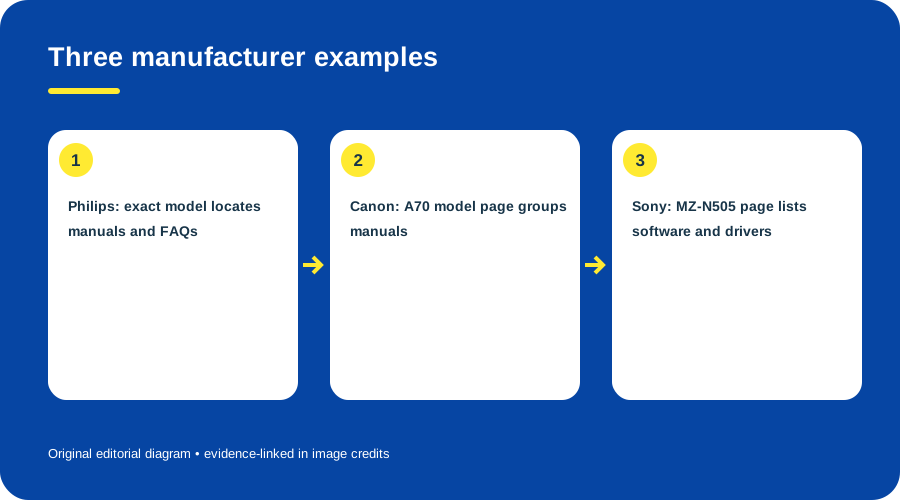
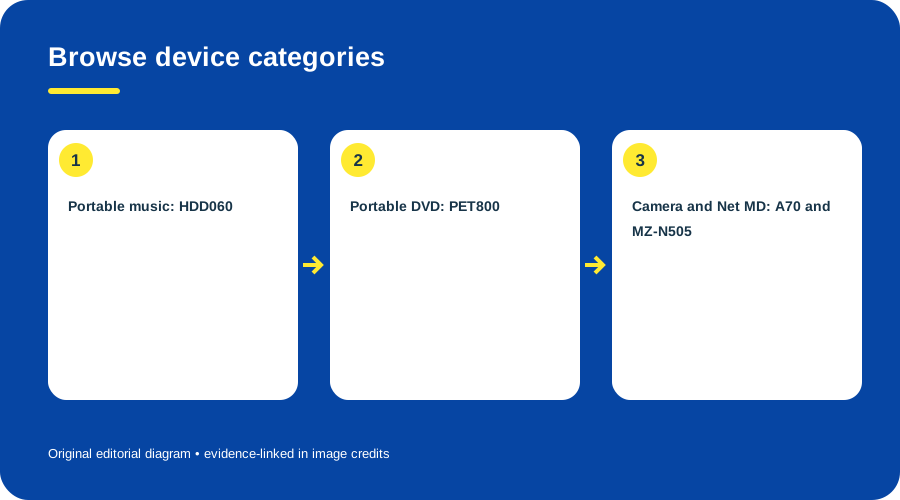
Three manufacturer examples. Original diagram by Things To Do Your Thing; facts are traced to G10-S1, G10-S2, G10-S3.
Before installing, save data and confirm that any driver or firmware is meant for your exact model. If an installer cannot be verified, stop and look for another documented transfer route; never flash a similar model’s firmware. For model-specific examples, see the PowerShot A70 guide and Sony’s MZ-N505 support page.
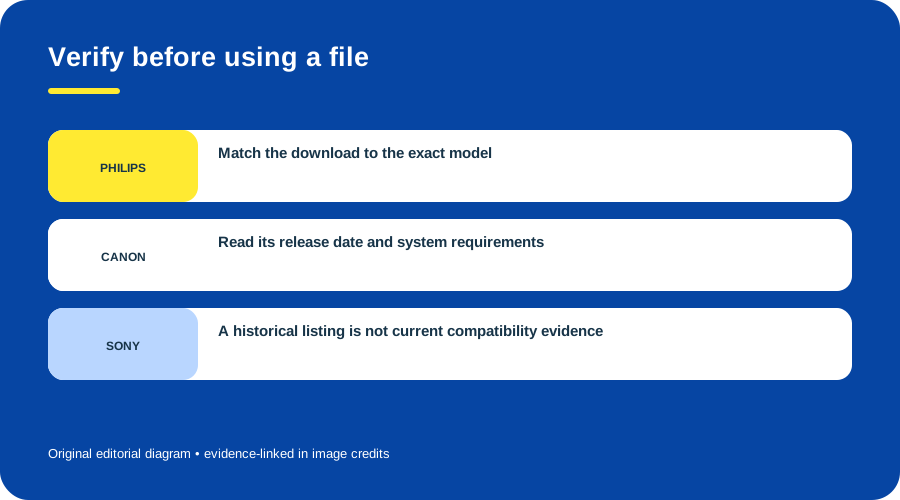
Verify before using a file. Original diagram by Things To Do Your Thing; facts are traced to G10-S2, G10-S3.
Sources & image credits
- G10-S1 Philips Customer Service Support — model number search for manuals, FAQs and support resources
- G10-S2 PowerShot A70 Support — retired product status and Manuals section
- G10-S3 MZ-N505 Support — model Downloads and Manuals sections list release dates and resource types
Original diagrams by Things To Do Your Thing; their evidence and rights notes are in the image ledger.
Diagram credits
- G10-I-PATH — Find an original manual or download. Original diagram by Things To Do Your Thing; facts are traced to G10-S1, G10-S2, G10-S3. Evidence reference: Philips Customer Service Support, PowerShot A70 Support, MZ-N505 Support.
- G10-I-COMPARISON — Three manufacturer examples. Original diagram by Things To Do Your Thing; facts are traced to G10-S1, G10-S2, G10-S3. Evidence reference: Philips Customer Service Support, PowerShot A70 Support, MZ-N505 Support.
- G10-I-EVIDENCE — Verify before using a file. Original diagram by Things To Do Your Thing; facts are traced to G10-S2, G10-S3. Evidence reference: PowerShot A70 Support, MZ-N505 Support.
.JPG)