MiniDisc, Net MD and Hi-MD: Formats and Transfer Limits
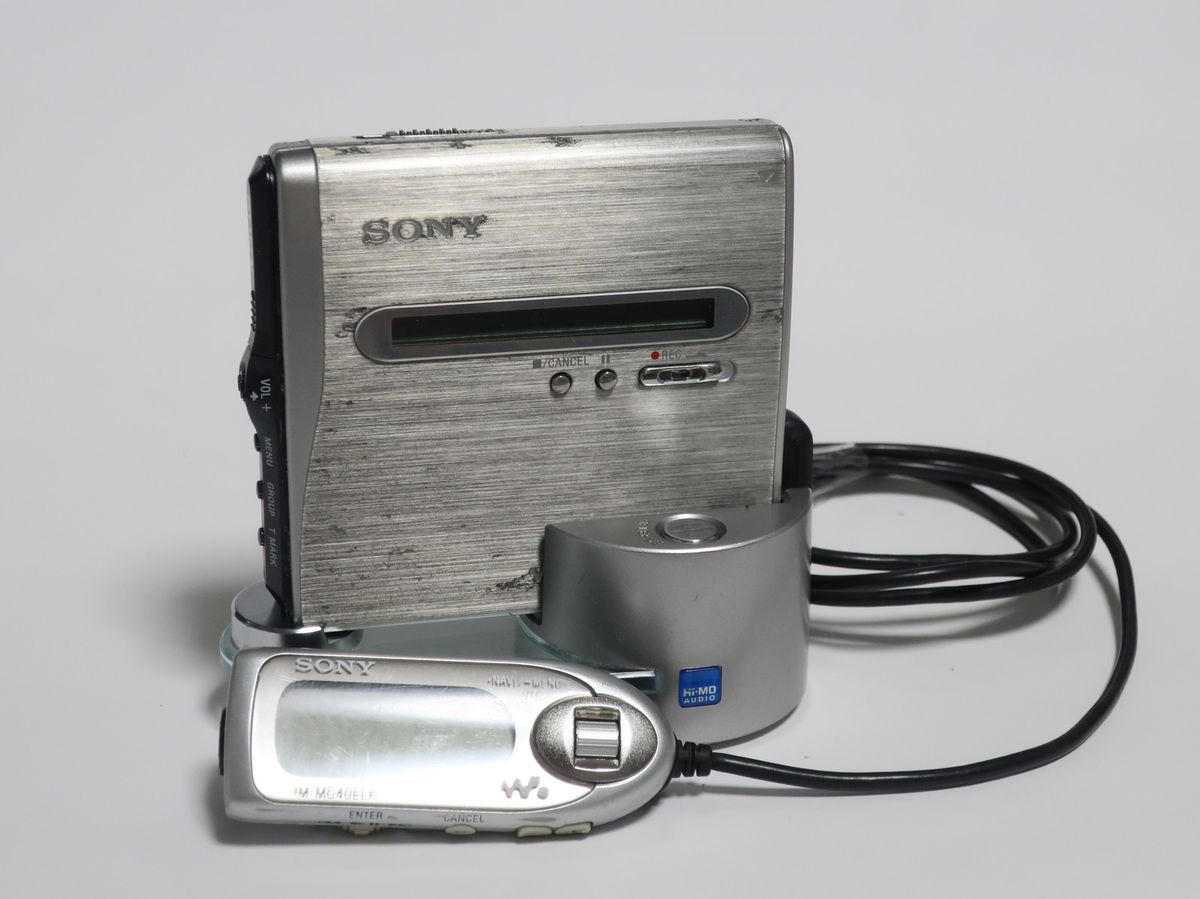
MiniDisc describes a rewritable optical-disc family. Net MD adds a model-specific USB transfer path; Hi-MD adds a separate disc mode and computer workflow. Check the recorder model and the disc itself before choosing a process.
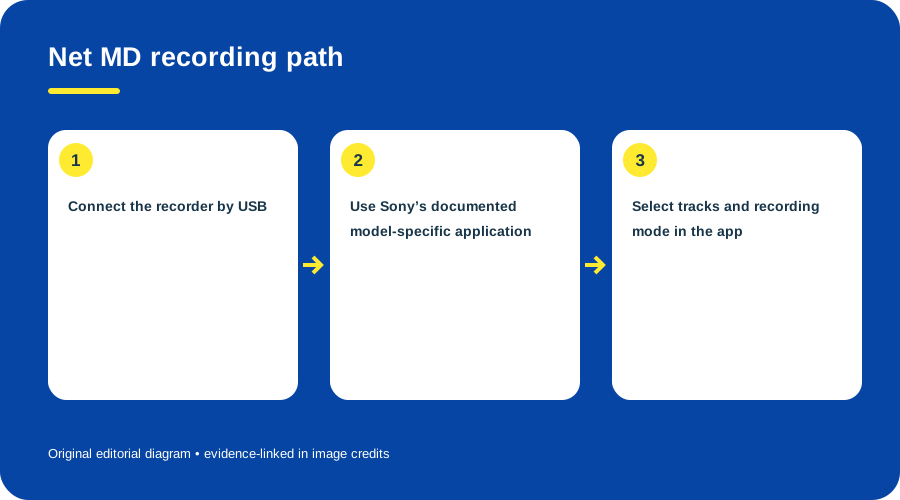
Net MD recording path. Original diagram by Things To Do Your Thing; facts are traced to G04-S1.
| System or documented example | Media / mode | What the evidence establishes |
|---|---|---|
| Conventional MiniDisc | MD mode; standard prerecorded or recordable MD | An MZ-NH1 recognizes conventional MD and can record in SP, LP2, LP4 or mono modes. (MZ-NH1 manual) |
| Hi-MD | Hi-MD mode | The MZ-NH1 manual lists 1 GB Hi-MD media and conventional discs formatted for Hi-MD; usable space varies by disc type. It lists 964 MB on a 1 GB disc and 219/270/291 MB for 60/74/80-minute conventional discs reformatted for Hi-MD. (MZ-NH1 manual) |
| Net MD | Model-dependent; computer-to-disc path | Sony’s Simple Burner procedure uses USB, a computer CD drive and a supported Net MD recorder to select a recording mode and record all or selected CD tracks. (Sony Simple Burner instructions) |
| Hi-MD computer transfer | Model/version-specific application | Sony’s Hi-MD Music Transfer for Mac lists supported recorder groups and differing transfer functions; consult its supported-model table. (Sony Hi-MD software page) |
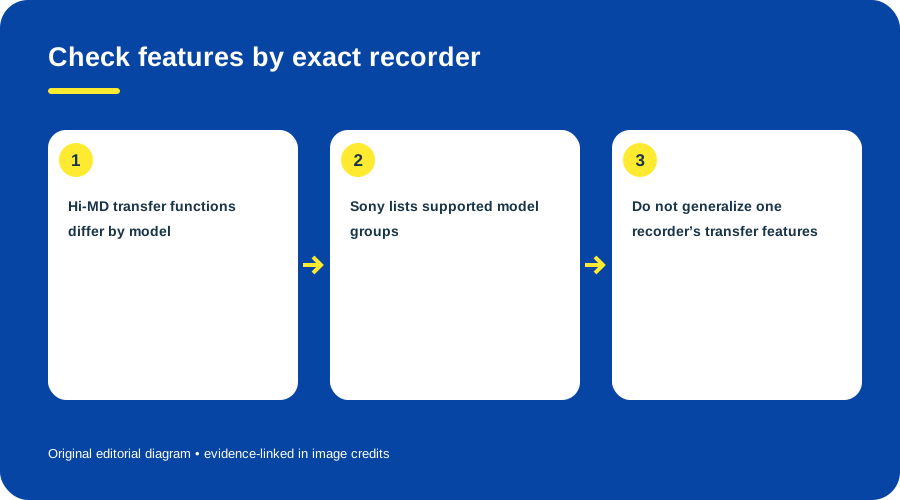
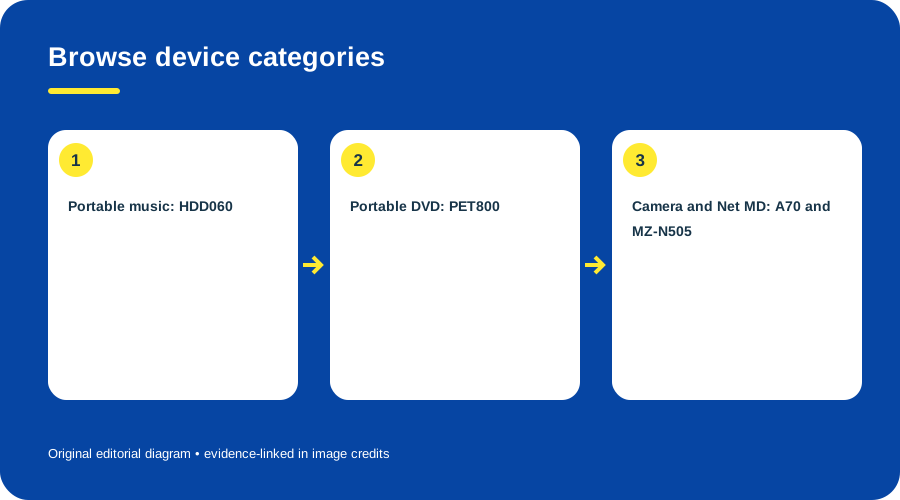
Check features by exact recorder. Original diagram by Things To Do Your Thing; facts are traced to G04-S2, G04-S3.
A documented Net MD CD-recording sequence
Sony’s procedure is specific to compatible Net MD hardware and its Simple Burner software: connect the recorder over USB, open Net MD Simple Burner, insert the source CD in the computer, let the application optimize the CD drive, choose a recording mode, then record the whole disc or open the track list, deselect tracks to omit and press REC. It is a CD-to-recorder process, not generic drag-and-drop. (Sony’s steps 1–9)
Hi-MD recording and computer limits
The MZ-NH1 manual describes SonicStage for computer transfers and MD Simple Burner for computer-to-disc recording. It says recorder-originated Hi-MD tracks can be imported into SonicStage only once, with restrictions for recordings made through other routes. The manual’s software requirements are for period Windows systems; they do not show that the software runs on a current computer. (Sony MZ-NH1 manual)
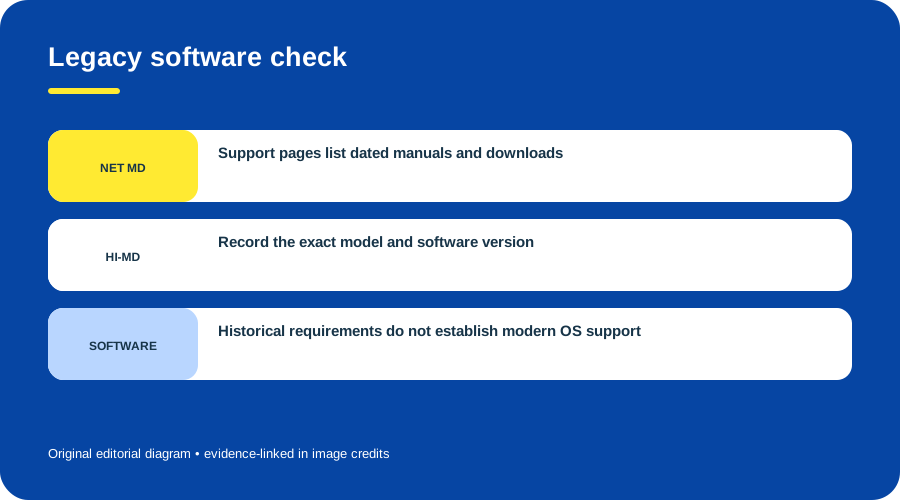
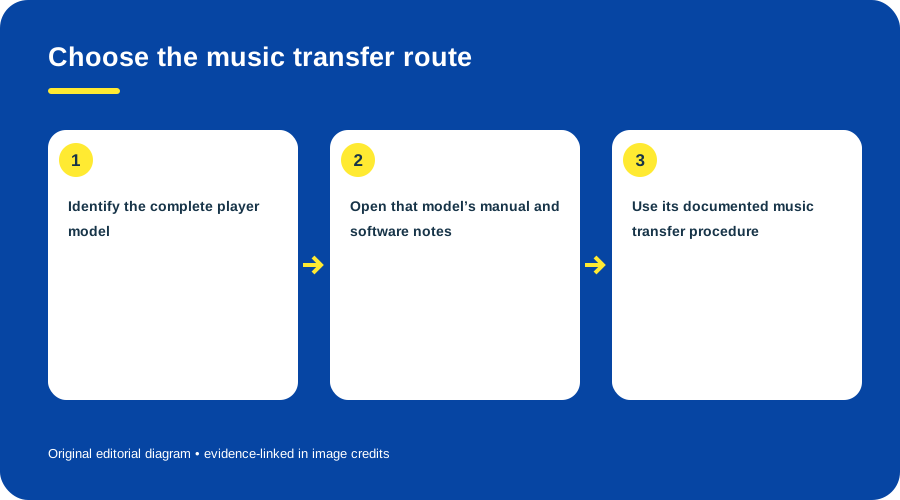
Legacy software check. Original diagram by Things To Do Your Thing; facts are traced to G04-S2, G04-S3.
Before using a disc, check whether it is conventional MD or Hi-MD and what mode it contains. Formatting a conventional disc for Hi-MD is a mode change and erases its contents; back up recordings first. Never apply MZ-NH1 details to every Net MD/Hi-MD recorder. Sony’s MZ-N505 support page is a model-specific Net MD example with dated manuals/software. (Sony MZ-N505 support)
See the MZ-NH1 device guide. Present-day application compatibility was not tested.
Sources & image credits
- G04-S1 How to record to the Net MD Walkman recorder using Net MD Simple Burner software — steps 1-9: USB connection, application launch, recording mode and track selection
- G04-S2 Hi-MD Music Transfer for Mac Ver. 2.0 — model groups and functions; system requirements; release date 2006-07-15
- G04-S3 Support for MZ-N505 NetMD Walkman — Downloads and Manuals sections list dated drivers, software and operating instructions
- G04-S4 MZ-NH1 Operating Instructions (Recorder Operation and Software Operation), 3-266-450-13(1) — Read full 128-page Sony manual text viewer; pp. 10-12, 22-24, 30-32, 72-75, 93-100, 109-113. The page headings and text identify Sony, MZ-NH1 and ©2004.
Diagram credits
- G04-I-PATH — Net MD recording path. Original diagram by Things To Do Your Thing; facts are traced to G04-S1. Evidence reference: How to record to the Net MD Walkman recorder using Net MD Simple Burner software.
- G04-I-COMPARISON — Check features by exact recorder. Original diagram by Things To Do Your Thing; facts are traced to G04-S2, G04-S3. Evidence reference: Hi-MD Music Transfer for Mac Ver. 2.0, Support for MZ-N505 NetMD Walkman.
- G04-I-EVIDENCE — Legacy software check. Original diagram by Things To Do Your Thing; facts are traced to G04-S2, G04-S3. Evidence reference: Hi-MD Music Transfer for Mac Ver. 2.0, Support for MZ-N505 NetMD Walkman.