Sony Cyber-shot DSC-P72: Memory Stick and Photo Transfers
The DSC-P72 is the 3.2-megapixel model in Sony’s 2003 P32/P52/P72 compact-camera family. It records to Memory Stick media, not SD cards. Sony’s original manual verifies Memory Stick PRO up to 1 GB for this camera; its newer compatibility chart separates memory-card classes and capacities, so the shared “Memory Stick” name is not proof that every later high-capacity type works. A 16 MB card was listed with the original product family, though bundle contents varied by market. Sony’s support page lists the exact DSC-P72 manual editions dated 2003, which helps distinguish this model from nearby P-series variants. (Sony P72 manuals; Sony manual, pp. 82, 110; Sony compatibility chart; DPReview launch report)
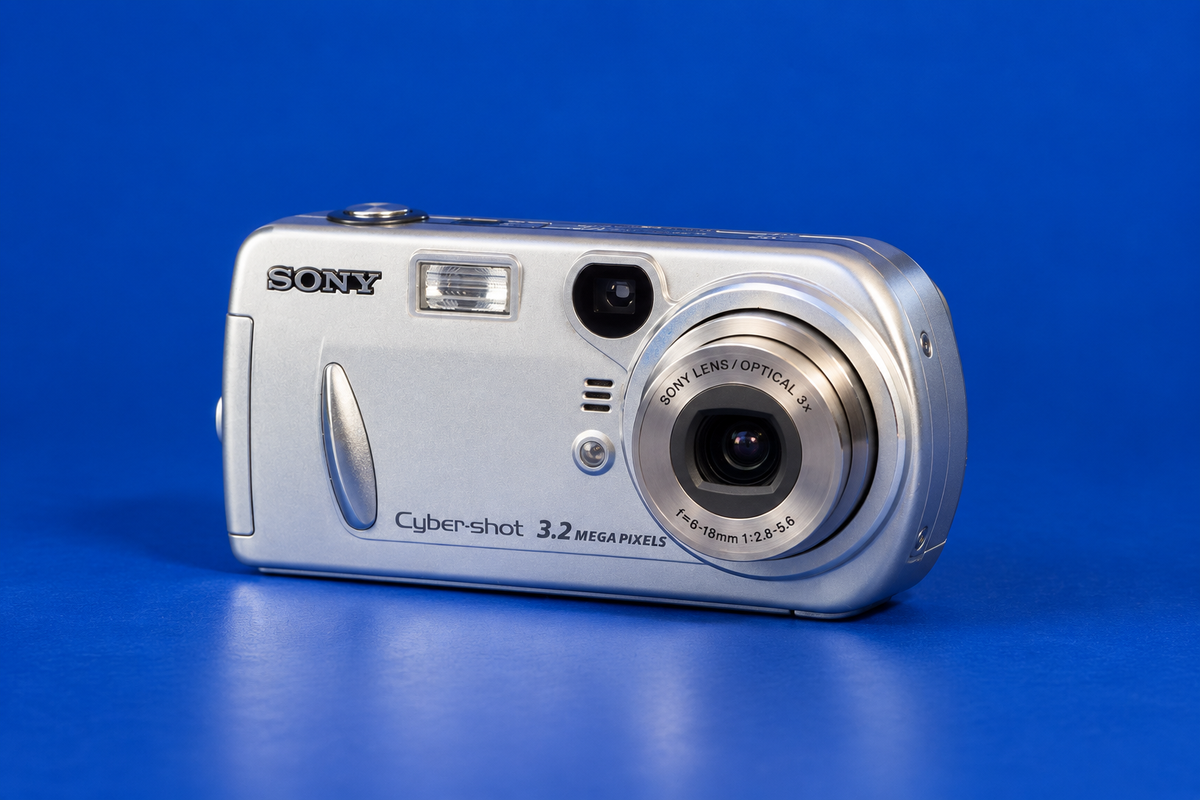
AI-generated illustrative reconstruction of the Sony Cyber-shot DSC-P72; fine markings may differ from a real unit. Generated illustration, not a documentary photograph. Private visual references used for geometry only: New Wave Pool DSC-P72 listing and eBay DSC-P72 reference page; those references are not being republished or claimed as licensed assets.
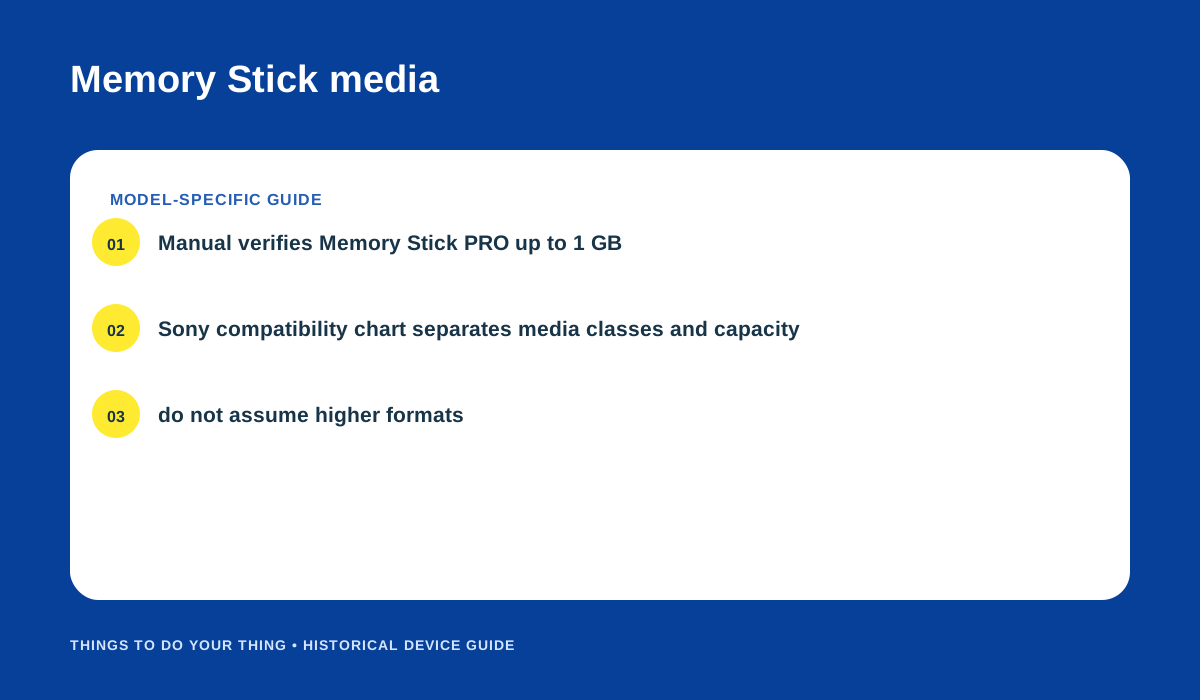
Memory Stick types and the conservative 1 GB PRO reference. Original editorial diagram based on Sony’s manual and compatibility chart.
Transfer pictures over USB
Sony documents a camera-to-computer route using the supplied USB cable. Start with a Memory Stick inserted and use a fully charged NiMH battery or the optional AC adapter. Turn on the computer and camera, connect the cable, and look for USB MODE NORMAL on the camera’s LCD. If it does not appear, Sony says to set USB Connect to Normal. Weak batteries can interrupt copying and risk corrupting data, so do not begin a transfer with a low battery. (Sony manual, p. 82)
The contemporary launch specifications describe USB 2.0 and PTP; the manual’s host-recognition instructions and supplied software belong to its period. They do not establish that a modern operating system will recognize the camera. A card reader is another practical route if it has the correct Memory Stick slot or an adapter explicitly matching the card’s form factor. Reader and phone recognition remain unverified; check the card class and capacity against the exact DSC-P72 row in Sony’s chart before buying. (DPReview; Sony compatibility chart)
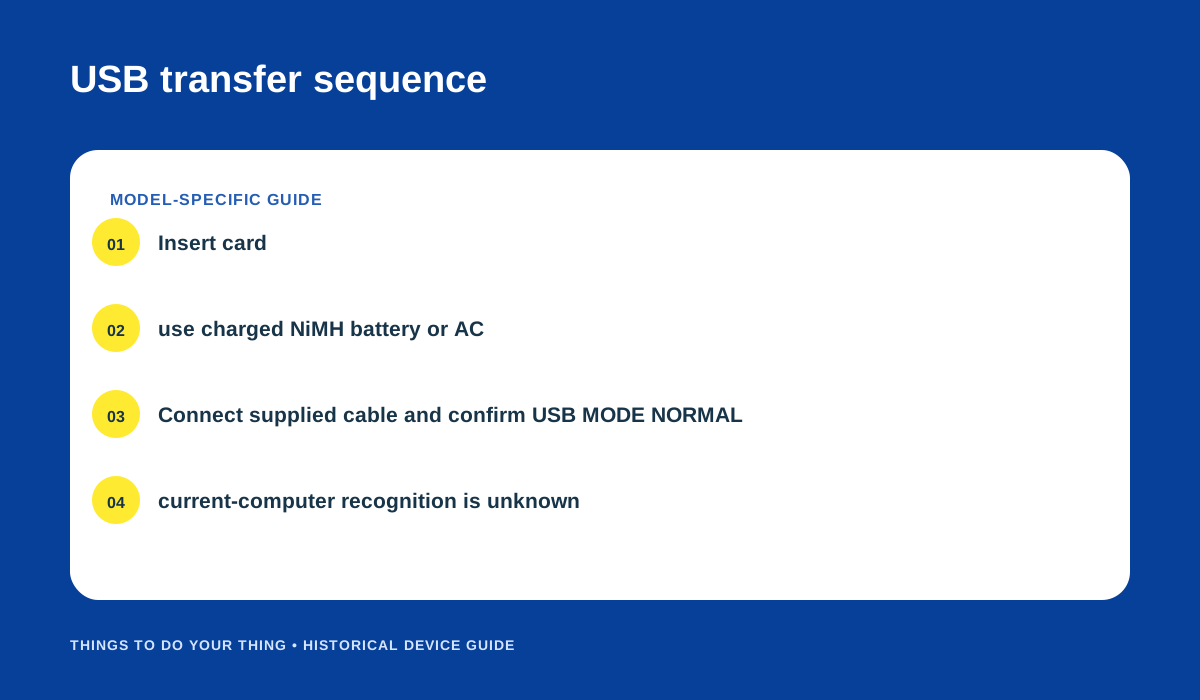
Documented USB setup from Sony’s DSC-P72/P52/P32 manual. Original editorial diagram.
Troubleshooting checklist
- The camera does not show USB MODE NORMAL: check the menu’s USB Connect setting and select Normal as the manual directs.
- The computer does not show the camera: verify the cable and power, then try a reader with the right Memory Stick form factor. Sony’s period instructions do not promise current-computer support.
- A card is not recognized: do not infer compatibility from the Memory Stick label alone. Compare its exact class/capacity with Sony’s compatibility table; the manual’s verified PRO example is up to 1 GB.
Sources
- Sony DSC-P72/P52/P32 Operating Instructions, pp. 82, 110.
- Sony Memory Stick compatibility chart.
- Sony DSC-P72 support page.
- DPReview: Sony Cyber-shot DSC-P32/P52/P72 announcement and specifications.
Image credits
- AI illustration generated for this article. Exact-model private visual references used for geometry only: New Wave Pool listing and eBay reference page. Markings/details are approximate; references are not published assets or claimed as licensed.
- “Memory Stick media” and “USB transfer sequence”: original editorial diagrams based on the linked Sony documentation.