Philips 530: Features, Media Transfers and What Still Works
The Philips 530 Europe/English manual documents a 2G phone with infrared exchange and network services. Keep those functions separate: IrDA transfers can work locally between compatible devices, while GPRS and WAP depend on a working network, account and operator settings. The sources do not establish present-day service availability. (Philips 530 manual, pp. 43–45, 65–67, 80)
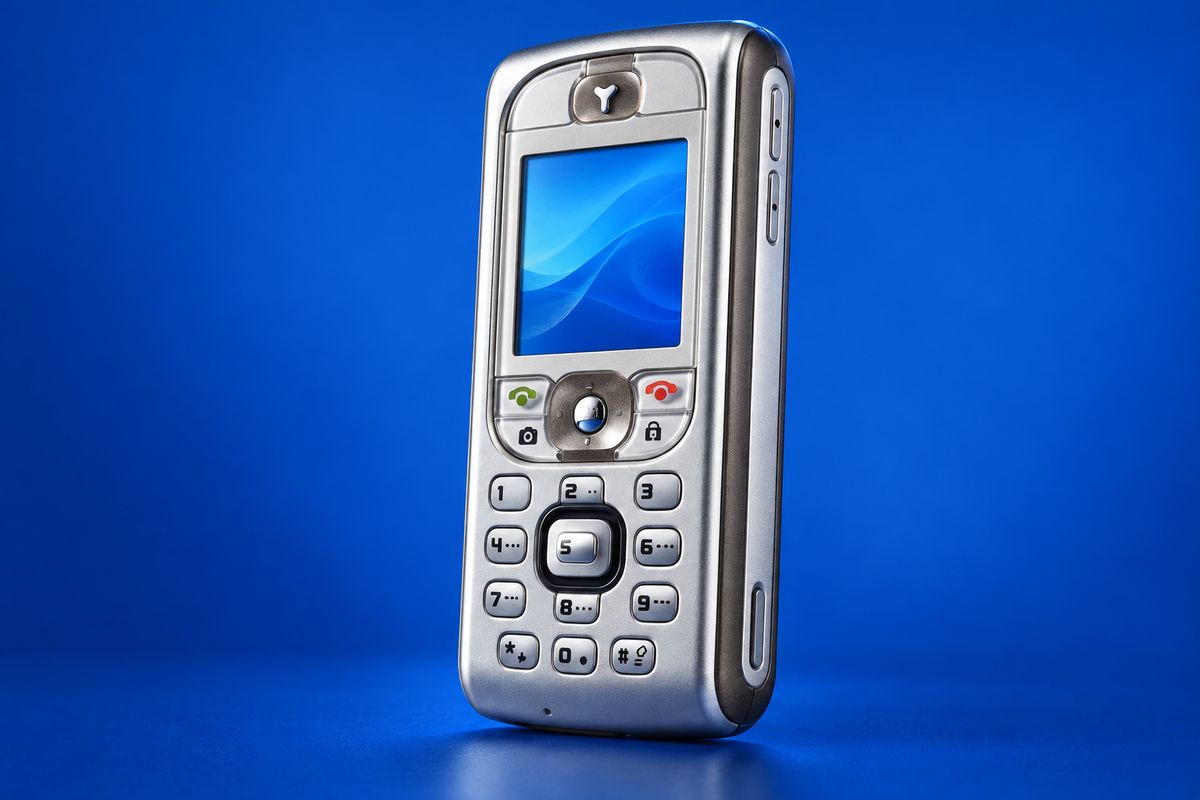
AI-generated illustration of the Philips Fisio 530; fine markings may differ from a real unit. AI-generated illustration.
Local transfer with IrDA
Before sending, enable infrared on the receiving device and make sure both devices support compatible IrDA exchange. The manual says to keep the ports aligned, unobstructed and within about 50 cm. A period preview mentions using the phone as a PC modem over infrared, but that was a pre-release sample; treat it as tentative and follow the final manual for ordinary use. (Mobile-review preview)
- On the Philips, open the item you want to share and choose Send, then Infrared.
- Point the phone’s infrared window toward the recipient. Keep the devices steady while the phone searches and sends.
- Accept the transfer on the receiving device and check that its copy opens before removing the original.
The manual lists pictures (BMP, GIF and JPEG), sounds and selected contacts or calendar events as exchangeable items. Protected files cannot be sent. Menu labels and available item types can vary by software state; this is the manual’s Europe English edition. (Philips 530 manual, pp. 65–67)
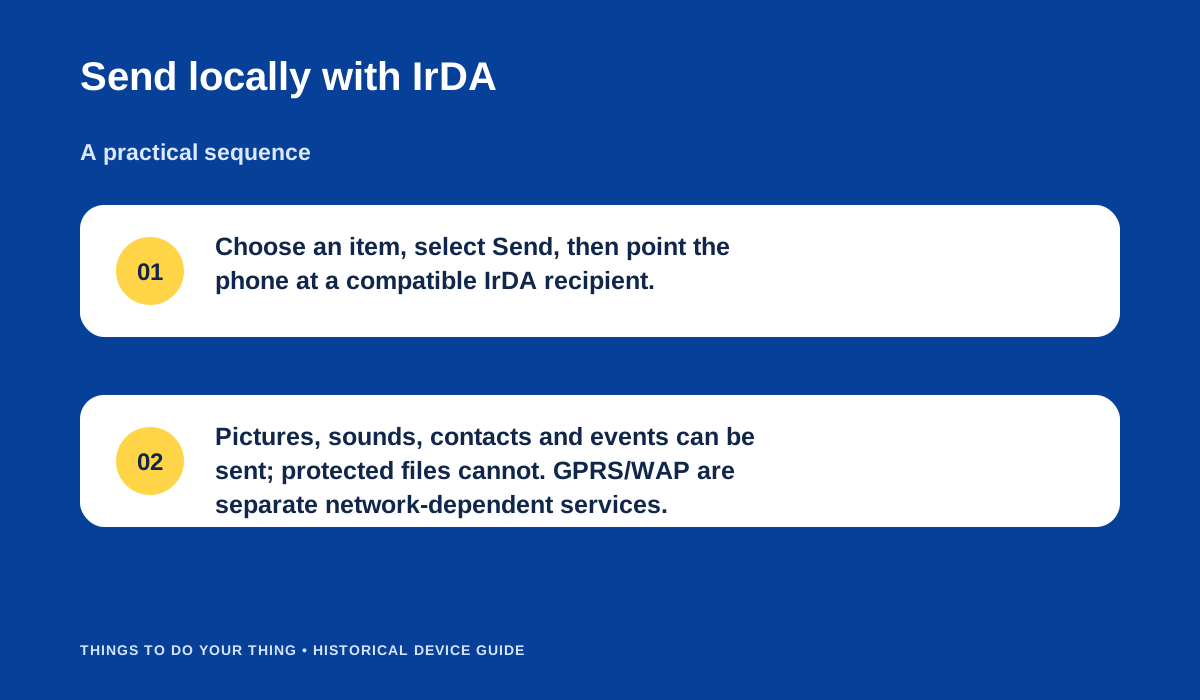
Send locally with IrDA.
Network services are a different route
The manual describes selecting GSM or GPRS as the bearer for WAP and related services. GPRS requires an operator subscription and correctly provisioned access settings. Contemporary Polish launch coverage lists GPRS Class 10 and WAP 1.2.1, but that historical specification does not mean the services remain live today. Current coverage, compatible radio bands and account support must be checked with the local carrier; none is verified here. (GSMonline, 17 October 2003)
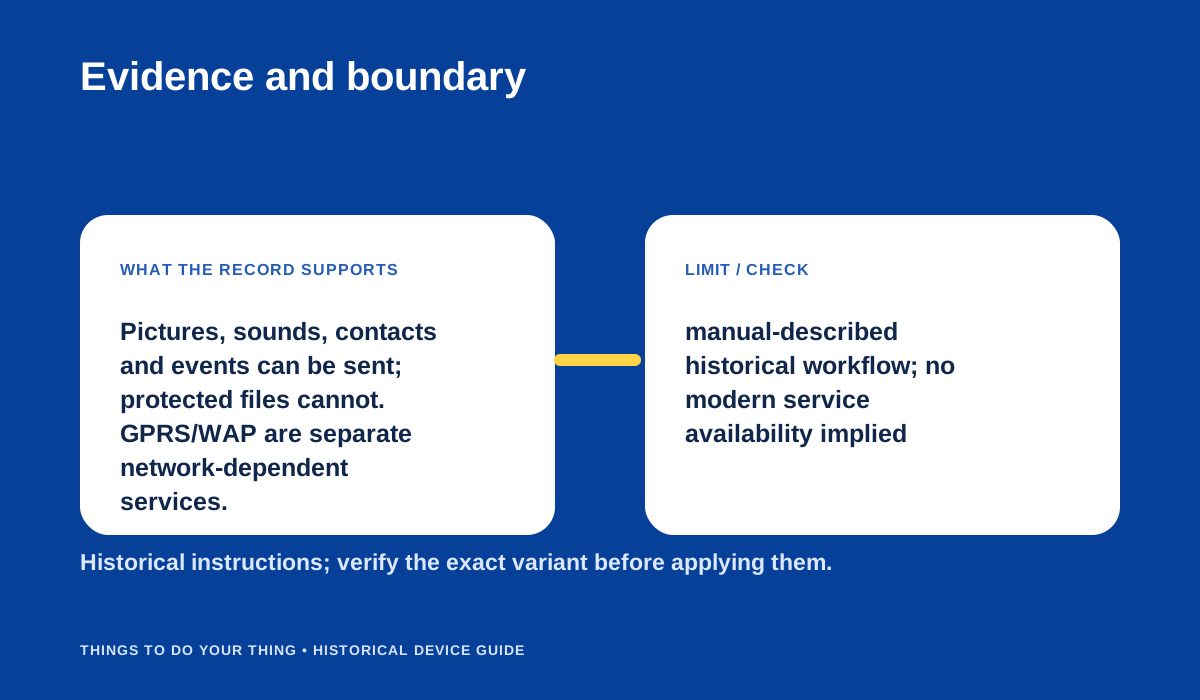
Evidence and boundary.
Sources & image credits
Sources
- D05-S1 Philips 530 Mobile Phone User Manual (Europe, English) — pp. 43–45 network service/bearer settings; pp. 65–67 infrared and transfer; p. 80 WAP/network service; PDF text names Philips530_Europe_GB.
- D05-S2 Philips 530: first information and preview — Preview paragraphs on IrDA position and GPRS modem connection; author explicitly says sample was not commercial.
- D05-S3 Philips 530 launch information (GSMonline) — Article dated 17 Oct 2003 and feature list at lines 25–54.
- D05-S4 Philips 530 technical specifications — Technical specification table: GSM 900/1800, GPRS Class 10, IrDA, 1 MB shared memory.
Image credits
- D05-I-HERO — AI-generated illustration of the Philips Fisio 530; fine markings may differ from a real unit. — AI-generated illustration; model details are approximate. AI-generated illustration created because a photograph with verified publication rights was not available. Details may differ from the original device. Reference photographs (private visual references, not publication assets): philips-fisio-530-review.html; fisio530.
- D05-I-DIAG-TRANSFER — Send locally with IrDA. — Things To Do Your Thing editorial diagram. Evidence: Philips 530 Mobile Phone User Manual (Europe, English). Rights basis: original explanatory vector artwork recorded in the image ledger.
- D05-I-DIAG-CHECK — Evidence and boundary. — Things To Do Your Thing editorial diagram. Evidence: Philips 530 Mobile Phone User Manual (Europe, English). Rights basis: original explanatory vector artwork recorded in the image ledger.