Palm Tungsten T3: Identification, Software and Using It Today
The Palm Tungsten T3 is a Palm OS handheld with a sliding Graffiti writing area, removable expansion-card slot and a wired HotSync cradle. The period review identifies the SD/SDIO slot and reports MMC support; Palm’s handbook says MP3 files are stored and accessed from an expansion card. Its 2003 quick-start guide is specific to the T3 family and its cradle workflow. (Palm Tungsten T3 Handbook, pp. 1–5, 12, 80–81, 287–290; Quick Start Guide, pp. 2–4; The Gadgeteer review)
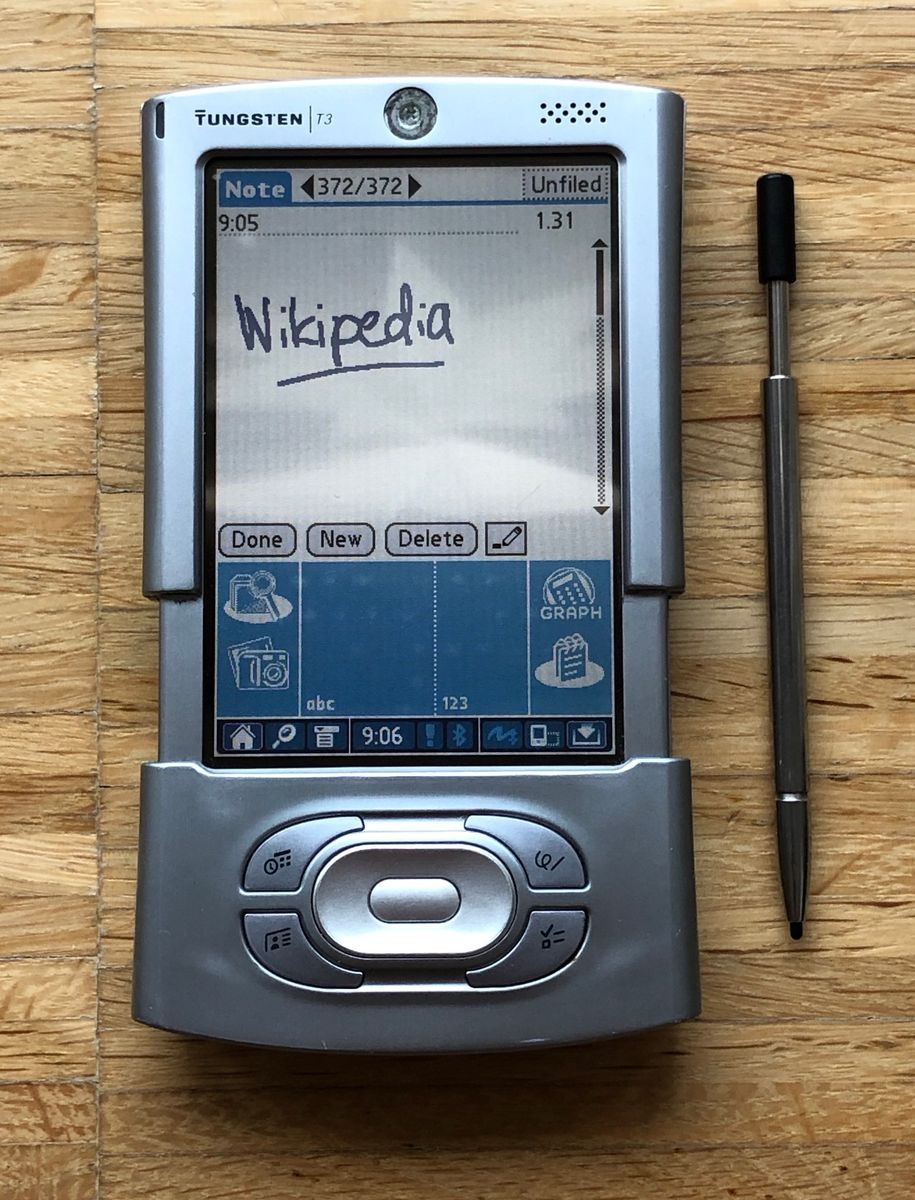
Palm Tungsten T3 with sliding Graffiti area extended and stylus alongside. Gklka, CC BY-SA 4.0, via Wikimedia Commons; license.
First charge and wired HotSync
Palm’s quick-start guide says to charge the handheld in its cradle for at least two hours initially. The cradle connects to the computer by USB and also uses the AC adapter. To start a wired synchronization, place the handheld in the cradle and press its HotSync button. The handbook also describes Bluetooth HotSync, but the cradle sequence is the straightforward documented wired path. The guide says a separately sold serial cradle is needed for a computer without USB; that is an original accessory note, not proof that the serial route works with a current machine. (Quick Start Guide, pp. 2–4; handbook, pp. 3–5, 287–290)
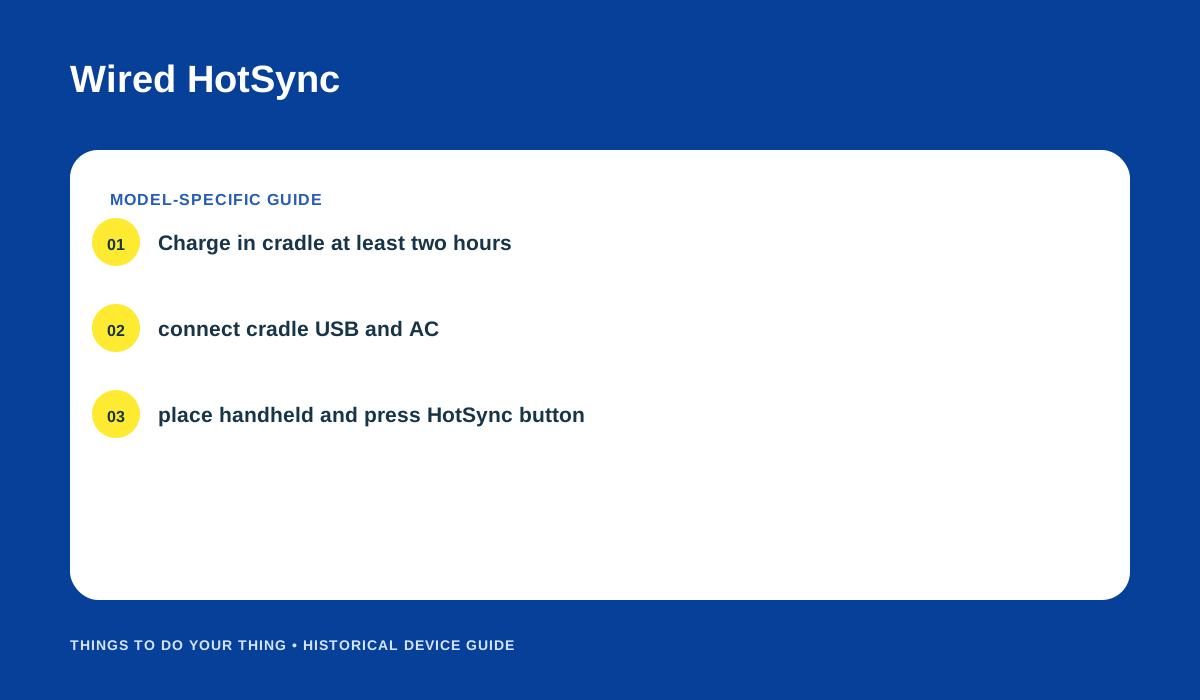
Palm’s initial charging and wired HotSync sequence. Original editorial diagram based on the handbook and quick-start guide.
Palm’s setup documentation lists period host requirements. Those requirements explain the environment the original software expected; they do not show that Palm Desktop or HotSync works on current Windows or macOS. Preserve a backup before attempting an old synchronization setup, and avoid treating a successful connection on one computer as general compatibility evidence.
Expansion cards and MP3 files
Use a card matching the T3’s expansion slot. The contemporary review identifies SD/SDIO and reports MMC support. Palm’s handbook requires MP3 files to reside on an expansion card for access through the handheld’s audio software. The sources do not establish a maximum card capacity, so avoid assuming modern high-capacity SD variants will work. Wait until card-writing activity is complete before removing the card; Palm warns that removing it during a write can corrupt data or damage the card. (Handbook, pp. 12, 80–81; The Gadgeteer review)
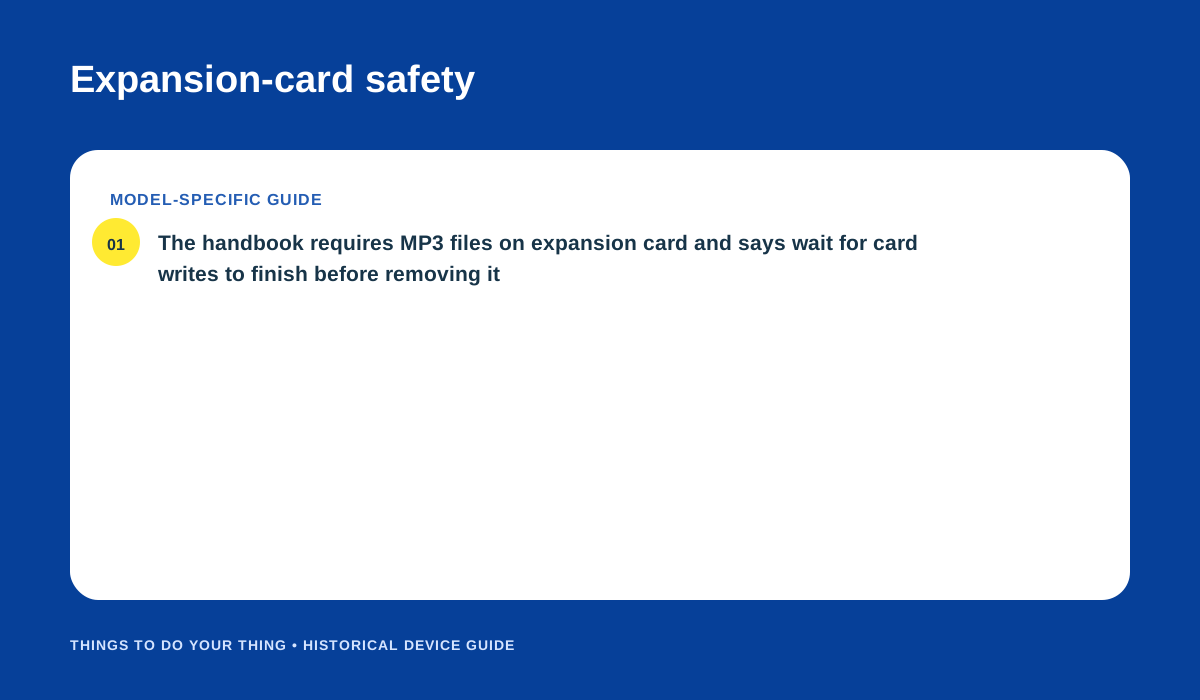
Card-based MP3 storage and safe removal guidance from Palm’s handbook. Original editorial diagram.
Sources
- Palm Tungsten T3 Handbook, Version 2, pp. 1–5, 12, 80–81, 287–290.
- Palm Tungsten T3 Quick Start Guide, pp. 2–4.
- The Gadgeteer: Palm Tungsten T3 Review, 1 October 2003.
Image credits
- Photo: Gklka, “Palm Tungsten T3 PDA with stylus,” CC BY-SA 4.0, unchanged, via Wikimedia Commons; license.
- “Wired HotSync” and “Expansion-card safety”: original editorial diagrams based on Palm’s handbook and quick-start guide.