Nokia N-Gage: Identification, Media and Using It Today
This guide concerns the original Nokia N-Gage covered by Nokia’s 2003 user guide, not the later N-Gage QD. It combined a GSM phone and game deck, used MMC cards for games, and stored music tracks on a memory card. A contemporary 2003 preview describes the distinctive game-card change: remove the back cover and battery to reach the slot. Nokia’s museum archive lists cards sold separately in capacities from 32 to 512 MB, but that is a list of offerings, not a documented maximum or test of every card. (Nokia user guide, pp. 22–29; Nokia Museum; The Register preview)
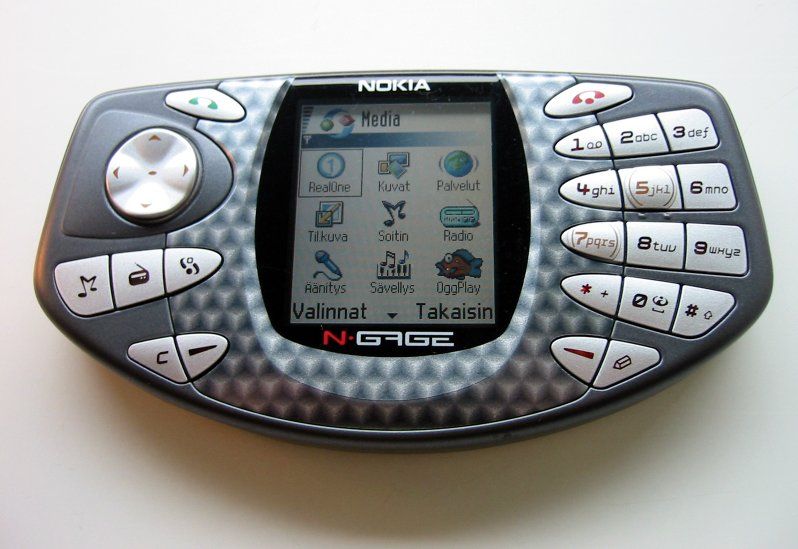
Original Nokia N-Gage game-phone shown from the front. J-P Kärnä, CC BY-SA 3.0, via Wikimedia Commons; license.
Copy music to the N-Gage
Nokia’s documented PC workflow begins with its supplied software, not with plugging the phone in first:
- On a compatible period PC, install Nokia Audio Manager from the supplied CD-ROM before connecting the N-Gage.
- Connect the supplied DKE-2 USB cable to the phone’s mini-B USB connection and computer.
- Transfer supported music using Nokia Audio Manager. The guide also describes Windows Explorer after the required software installation; place music on the memory card, where the N-Gage expects its tracks.
- Let the transfer finish before disconnecting. The manual’s requirements list Windows 98, ME, 2000 Professional or XP with USB; this historical list does not establish current Windows/macOS support.
The original model’s media routes are not interchangeable: Nokia describes MMC game cards and memory-card music. Nokia’s museum page lists 32, 64, 128, 256 and 512 MB cards as sold separately. That does not prove 512 MB is a maximum, nor that a present-day card reader or adapter will recognize a particular card. Verify the exact card type and size before moving valuable data. (Nokia user guide, pp. 14–16, 31–38; Nokia Museum)
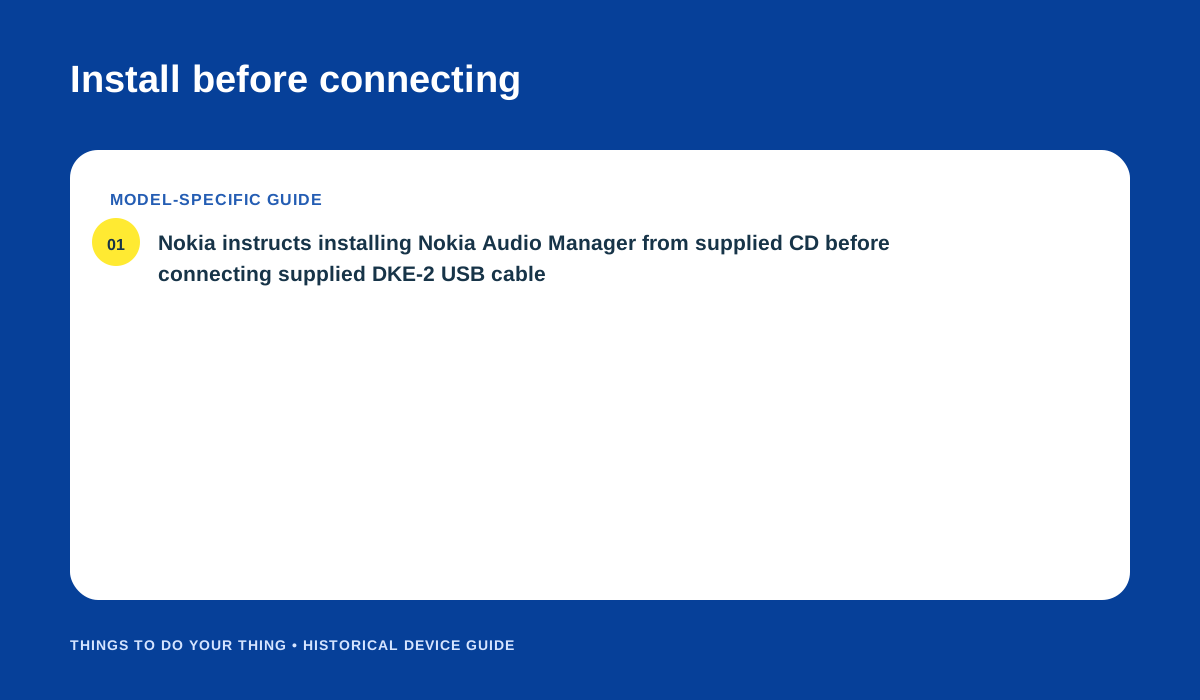
Install Nokia Audio Manager before connecting the DKE-2 cable, following the original user guide. Original editorial diagram.
Changing a game card
For the original N-Gage, a game card is an MMC card, not a modern microSD card. The period preview says the card slot is under the battery: switch the phone off, remove the back cover and battery, then change the MMC card. Refit the battery and cover before powering on. Treat this as a physical-access step, not a capacity guarantee. Do not apply these instructions to the N-Gage QD without its own documentation. (The Register, 27 February 2003; Nokia user guide, pp. 22–29)
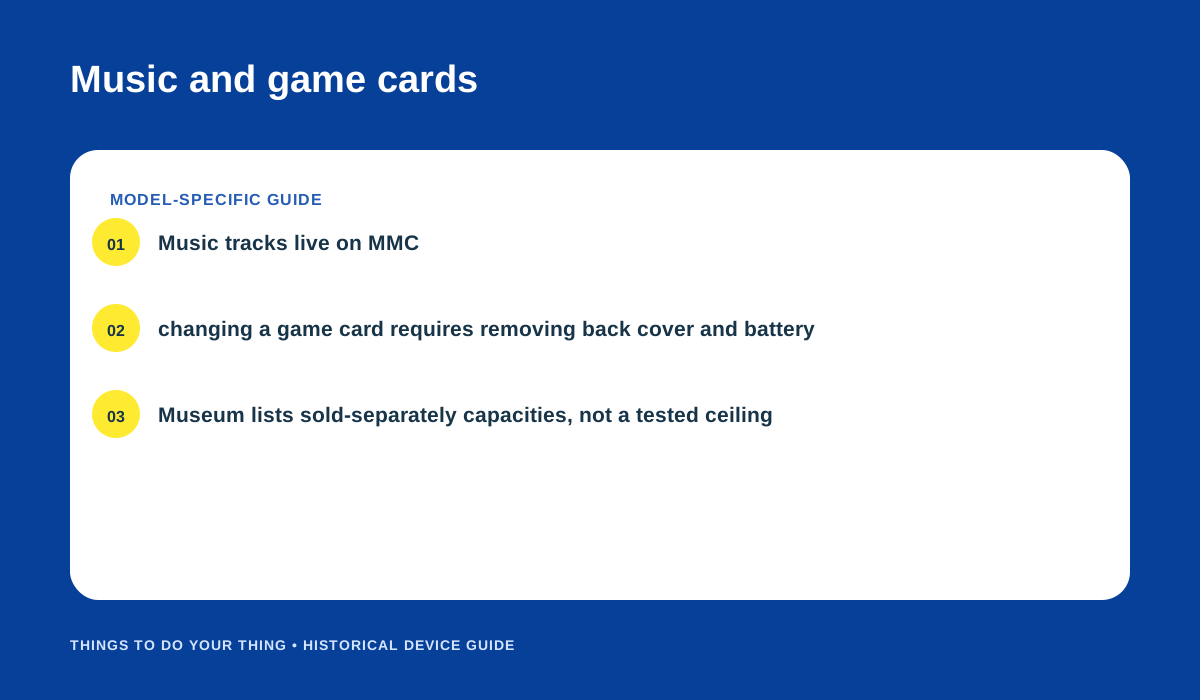
The manual’s music-card workflow and the period game-card access description. Original editorial diagram.
What remains uncertain now
The manuals document period software and computer requirements. They do not test current operating systems, USB adapters, contemporary MMC readers or replacement batteries. If you are restoring an original N-Gage, identify the model first and preserve the MMC card contents before trying another transfer route.
Sources
- Nokia N-Gage User Guide (2003), pp. 14–16, 22–29, 31–38.
- Nokia Museum: Nokia N-Gage — 2003.
- The Register: Nokia N-Gage first impressions, 27 February 2003.
Image credits
- Photo: J-P Kärnä, “Nokia N-Gage,” CC BY-SA 3.0, unchanged, via Wikimedia Commons; license.
- “Install before connecting” and “Music and game cards”: original editorial diagrams based on the linked Nokia guide, Nokia Museum archive and contemporary preview.