iRiver H120: Connections, Music Transfers and Recording
The iRiver H120 is also identified as the iHP-120; check the device label before using firmware or accessory instructions. The original model is a 20 GB player. Its stock software plays MP3, Ogg Vorbis, WMA/ASF and WAV; FLAC and other added formats belong to optional Rockbox firmware, not the factory configuration. (iHP-120 user manual, pp. 2, 5–7; Rockbox H100 manual)
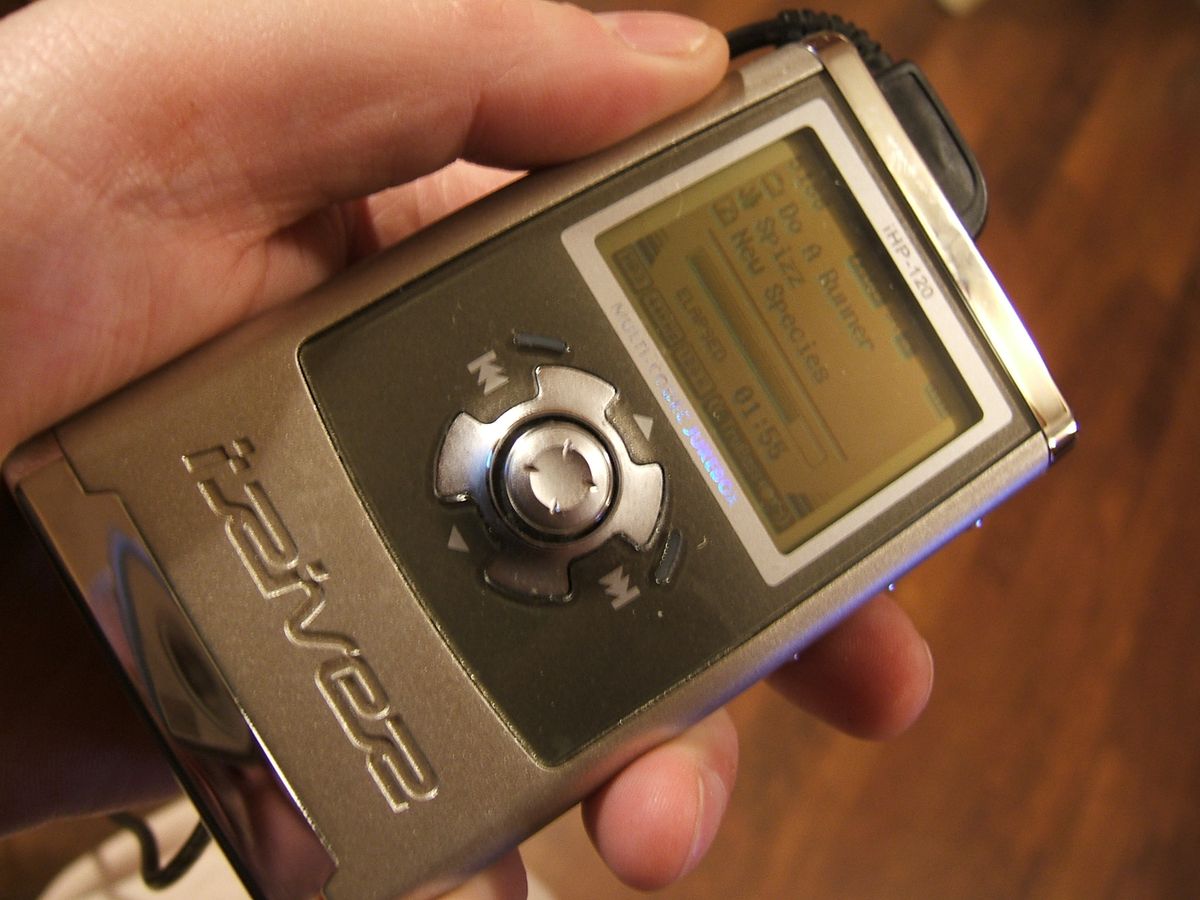
Attribution: Andrew Skudder (skuds), CC BY-SA 2.0, via Wikimedia Commons.
Copy music with the original software
The manual describes USB connection and iRiver Manager’s library/database handling. Historical Windows ME/2000/XP environments could recognize the player as a drive; Windows 98SE used the period driver/manager. Those old requirements do not demonstrate compatibility with current computers. (iRiver user manual, pp. 17–19)
- Confirm that the label says H120/iHP-120 and use a data-capable USB cable.
- Connect the player and use the documented host software or drive route for the operating system in question.
- Copy supported audio files to the player. If managing the original music library in iRiver Manager, refresh or rebuild its database as described by the manual.
- Wait for transfers to finish and eject the player before disconnecting. Keep a separate copy of valuable recordings.
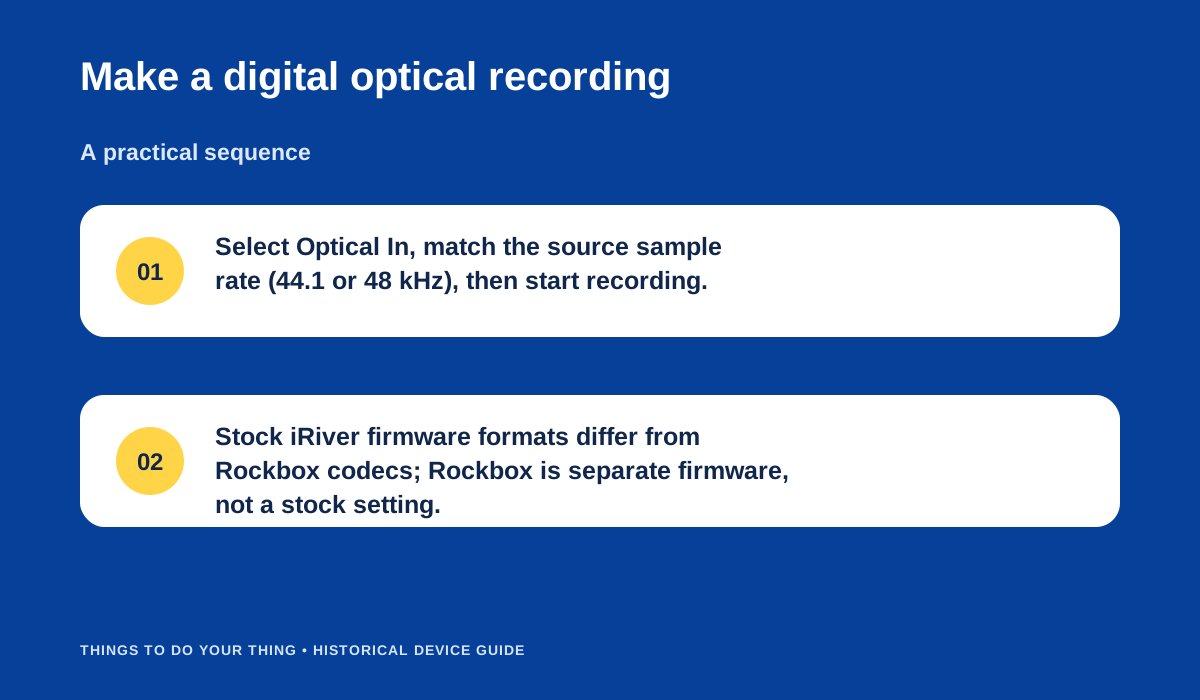
Make a digital optical recording.
Recording inputs
The H120 manual documents recording from its internal microphone, an external microphone, line-in and optical digital input. Recordings are stored under RECORD folders. For optical input, source and recording rate must match the manual’s supported sampling rates; input level is not adjustable through the same controls as analog sources. The exact menu sequence depends on the selected source, so choose the source before recording and make a short check recording first. (iRiver manual, pp. 28 and recording sections)
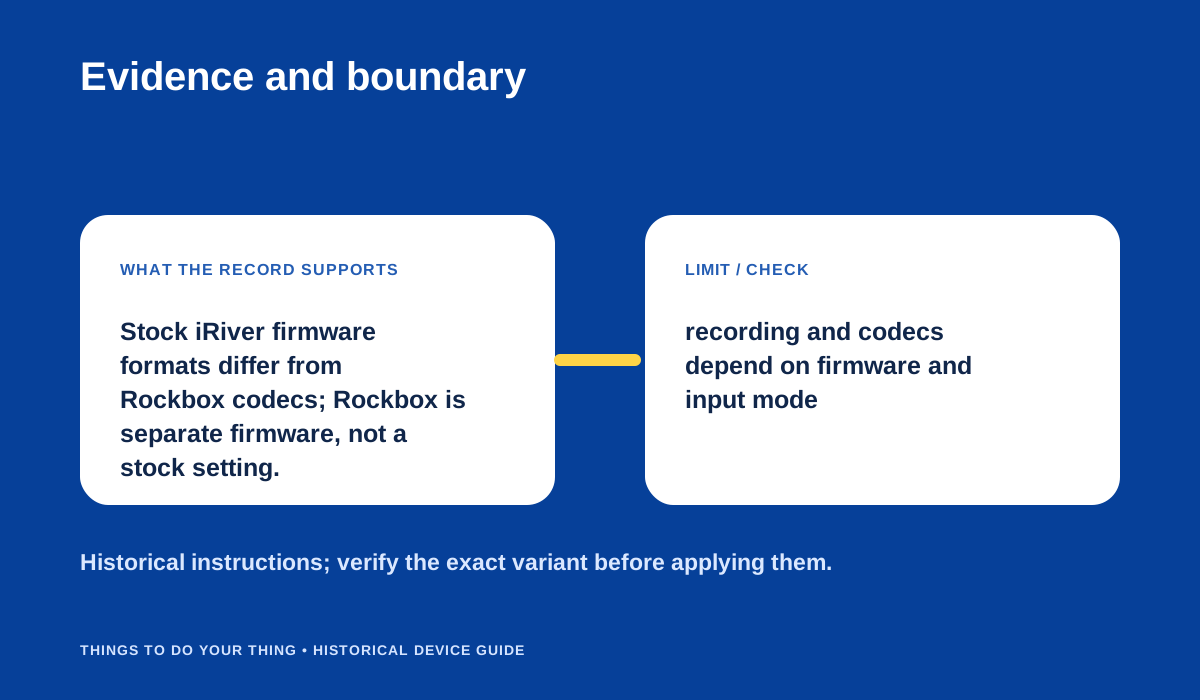
Evidence and boundary.
Firmware distinction and present-day limits
Rockbox is an alternative firmware project for the H100 family. Its manual documents a dual-boot route, but installation is a separate, risk-bearing change—not a prerequisite for stock transfers. Read the model-specific instructions, ensure a full battery and back up the player before considering it. A regional iRiver firmware archive lists H120/H140 releases; version and region must match. (iRiver firmware archive; Rockbox H100 manual)
No present-day host compatibility, battery runtime or individual drive condition has been tested here.
Sources & image credits
Sources
- D10-S1 iHP-120 User Manual — Printed pp. 2, 5-7, 17-19, 28: USB 2.0/file transfer, historical Windows recognition and iHP Manager caveat, stock supported formats, charging, source selection and recording controls, file destinations/cutoffs, optical sample-rate requirement, full technical specifications.
- D10-S2 iRiver H120/140 Firmware v1.63 and H Manager release archive (2004) — Lines 26-33 list H120/140 firmware v1.63 (12 Nov 2004), iRiver Music Manager V3.xx manual and Mac OS 9/X software; lines 46-52 list H120/140 v1.60 and H Manager V1.70 (2 Sep 2004).
- D10-S3 Rockbox User Manual for iRiver iHP-100 series / H120 and H140 — Installation pp. 13-17 / extracted lines 1673-1752: copying files and patching a supported original firmware with the Rockbox bootloader, full-charge warning, bootloader USB mode and dual-boot. Quick Start p. 20 / lines 1888-1902: Rec+Play starts original firmware and UMS drag/drop. Appendix A p. 131 / lines 7322-7392: Rockbox codec list including FLAC/AAC/ALAC and others.
- D10-S4 iRiver iHP-120 MP3 player stores 20GB — Lines 104-115: 20GB identity, USB 2.0, optical output/input, FM and voice recording, manufacturer-described MP3 recording and MP3/WMA/WAV/OGG/ASF playback, and period battery claim.
Image credits
- D10-I-HERO — Attribution: Andrew Skudder (skuds), CC BY-SA 2.0, via Wikimedia Commons. — Attribution: Andrew Skudder (skuds), CC BY-SA 2.0, via Wikimedia Commons. Original: IRiver iHP-120. License: CC BY-SA 2.0 Generic (terms). Changes: None.
- D10-I-DIAG-TRANSFER — Make a digital optical recording. — Things To Do Your Thing editorial diagram. Evidence: iHP-120 User Manual. Rights basis: original explanatory vector artwork recorded in the image ledger.
- D10-I-DIAG-CHECK — Evidence and boundary. — Things To Do Your Thing editorial diagram. Evidence: iHP-120 User Manual. Evidence: Rockbox User Manual for iRiver iHP-100 series / H120 and H140. Rights basis: original explanatory vector artwork recorded in the image ledger.